Features›Payment Links
Payment Links
Send a payment link to your customer's phone so they can pay for the work order right from their browser. No card terminal needed for collecting deposits or pre-payments.
Voice Enabled
How It Works
Once a work order has an estimate, you can send a payment link to the customer. Tuty generates a secure link and sends it via text message. The customer taps the link, reviews the estimate, and pays online.
“Send a payment link to the customer”
“Text the payment link”
“Send the invoice to the customer”
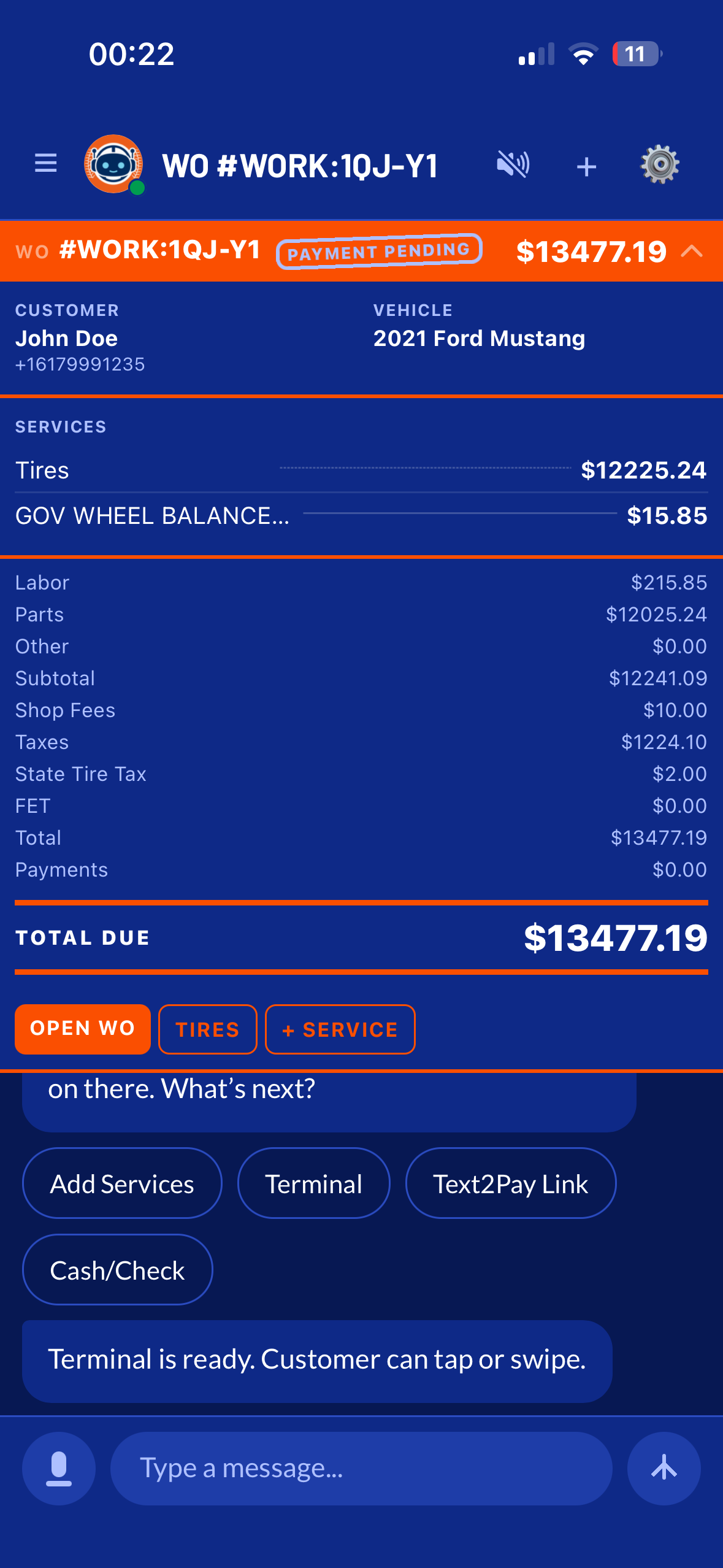
The Payment Flow
1
You generate an estimate
From a completed work order with all items and pricing.
2
You tell Tuty to send a payment link
Tuty generates a secure payment page and texts the link to the customer.
3
Customer taps the link
They see the full estimate breakdown on their phone and can pay with a credit or debit card.
4
Payment is recorded
The payment status updates in your TireTutor dashboard automatically.
ℹ️
Payment link requirements: The work order must have an estimate generated, and the customer must have a phone number on file. If the phone number is missing, Tuty will ask you to provide one.
✅
Great for deposits. Send a payment link while the customer is still at the shop, or after they leave. It's a fast way to collect deposits or full payments without chasing anyone down.